Before you start
- Install Notifex on your iPhone, sign in and allow notifications.
- Create a project. Copy the secret key: it is shown once.
Add the MCP entry
Claude Code reads project MCP servers from a .mcp.json file in your project. Add the Notifex entry, with your key in place of <YOUR_API_KEY>:
{
  "mcpServers": {
    "notifex": {
      "type": "http",
      "url": "https://mcp.notifexapp.com/mcp",
      "headers": {
        "Authorization": "Bearer <YOUR_API_KEY>"
      }
    }
  }
}
Or add it from the terminal:
claude mcp add --transport http notifex https://mcp.notifexapp.com/mcp \
  --header "Authorization: Bearer <YOUR_API_KEY>"
Run /mcp inside Claude Code to check that notifex is connected. Claude then sees the six Notifex tools: send_message, ask_question, ask_questions, wait_for_answer, check_answer and create_upload.
Ask your first question
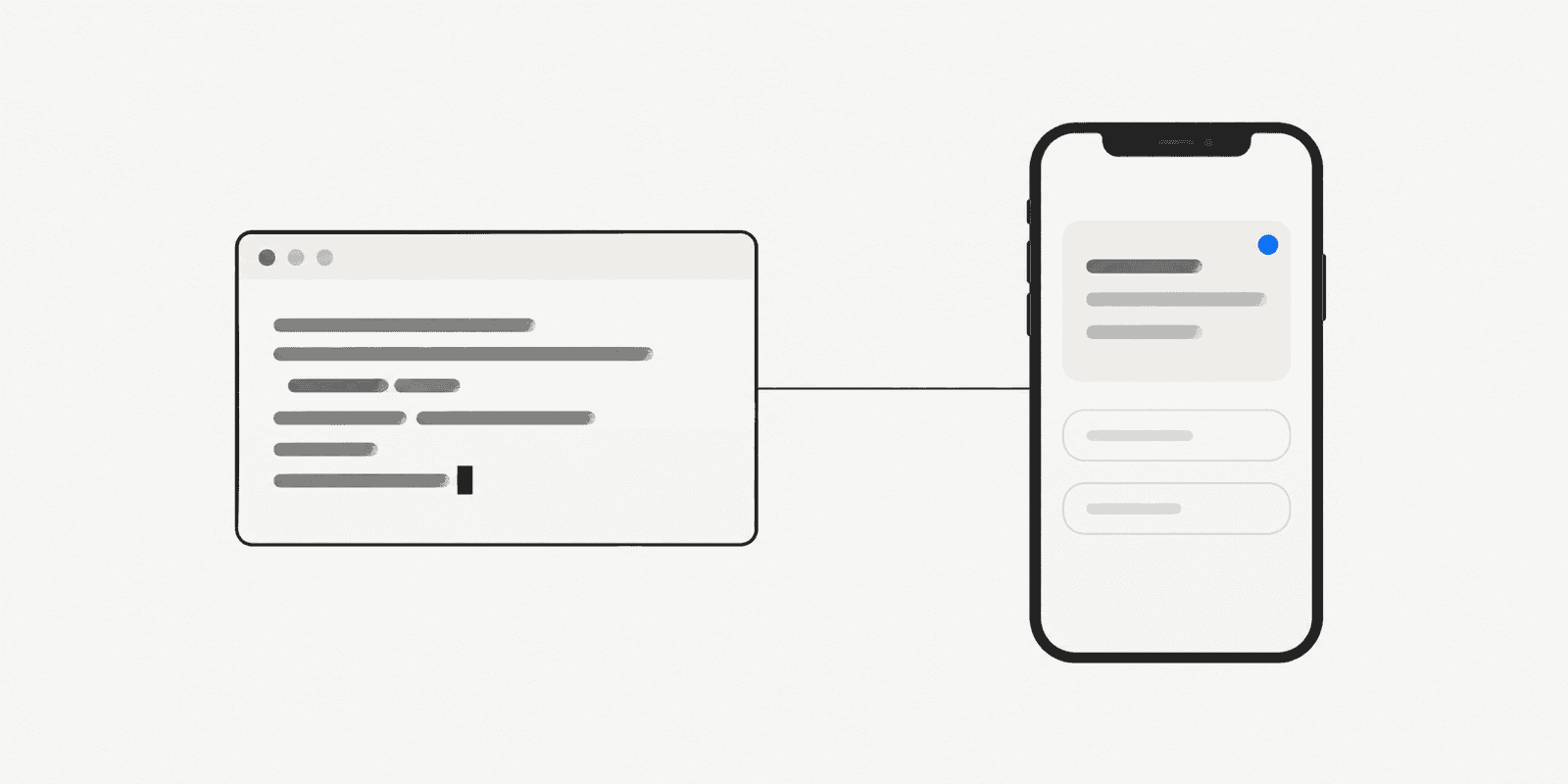
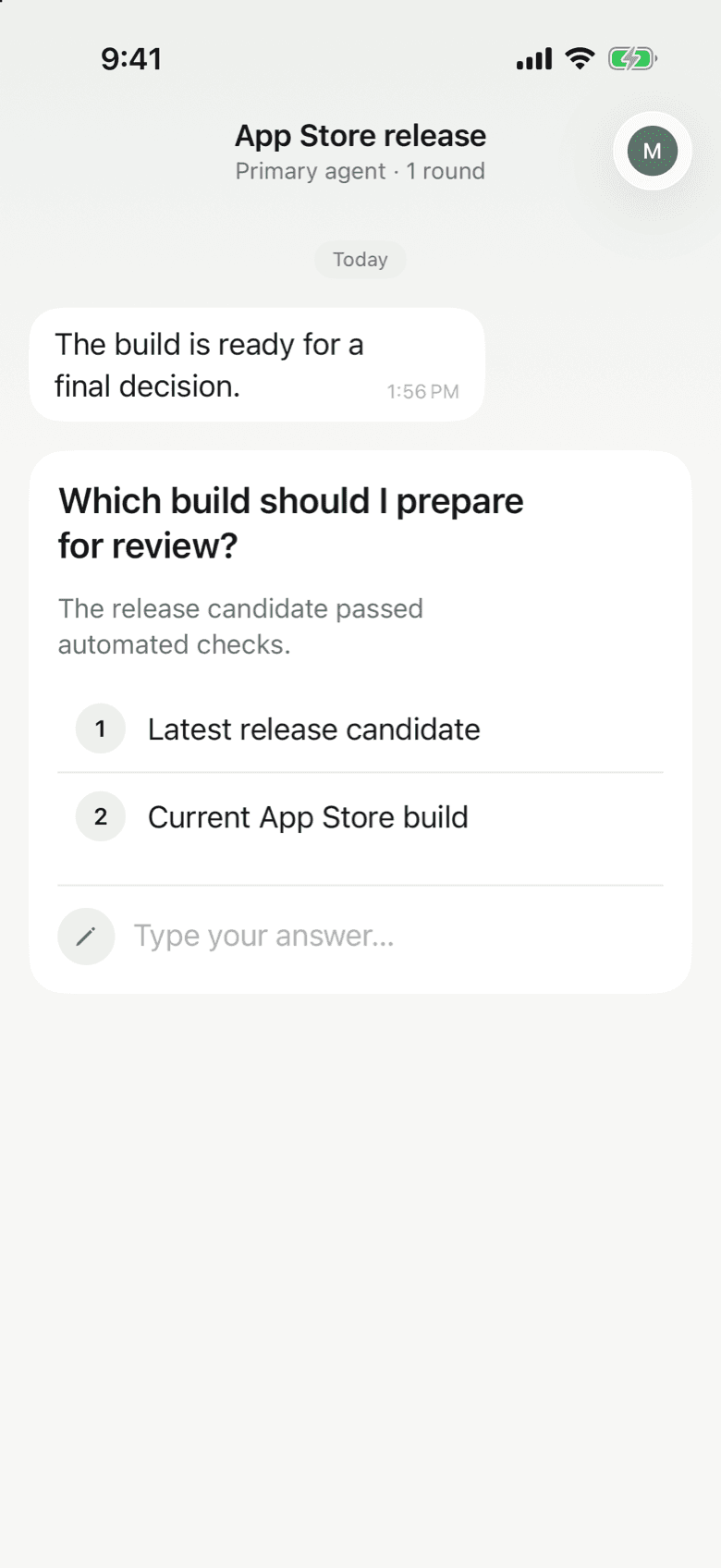
Tell Claude when to ask, in plain words. For example: "Before you deploy, ask me with Notifex which build to ship." Claude calls ask_question, your iPhone gets a push, and Claude waits. Pick an option or type a reply, and Claude continues with your answer.
Tips for long runs
- Batch related questions. ask_questions sends up to 10 in one push, so you answer one checklist.
- Send a note when done. send_message is a one-way update, such as "Deploy finished".
- Share the team. In a team project every member gets the push, and the first answer wins.
More on how the connection works is in Connect your agent.
Questions about Notifex and Claude Code
Yes. ask_question and ask_questions block until a person answers, and Claude carries on with your reply.
Yes. With create_upload, Claude can attach images, video and documents to a question or message, up to 10 files of 10 MB each.
Not with the key in it. The secret key identifies your project, so keep it out of your repository.
No. Notifex is free on the App Store.
Get Notifex on your iPhone
Free on the App Store. Then add one MCP entry and let your agent ask.