
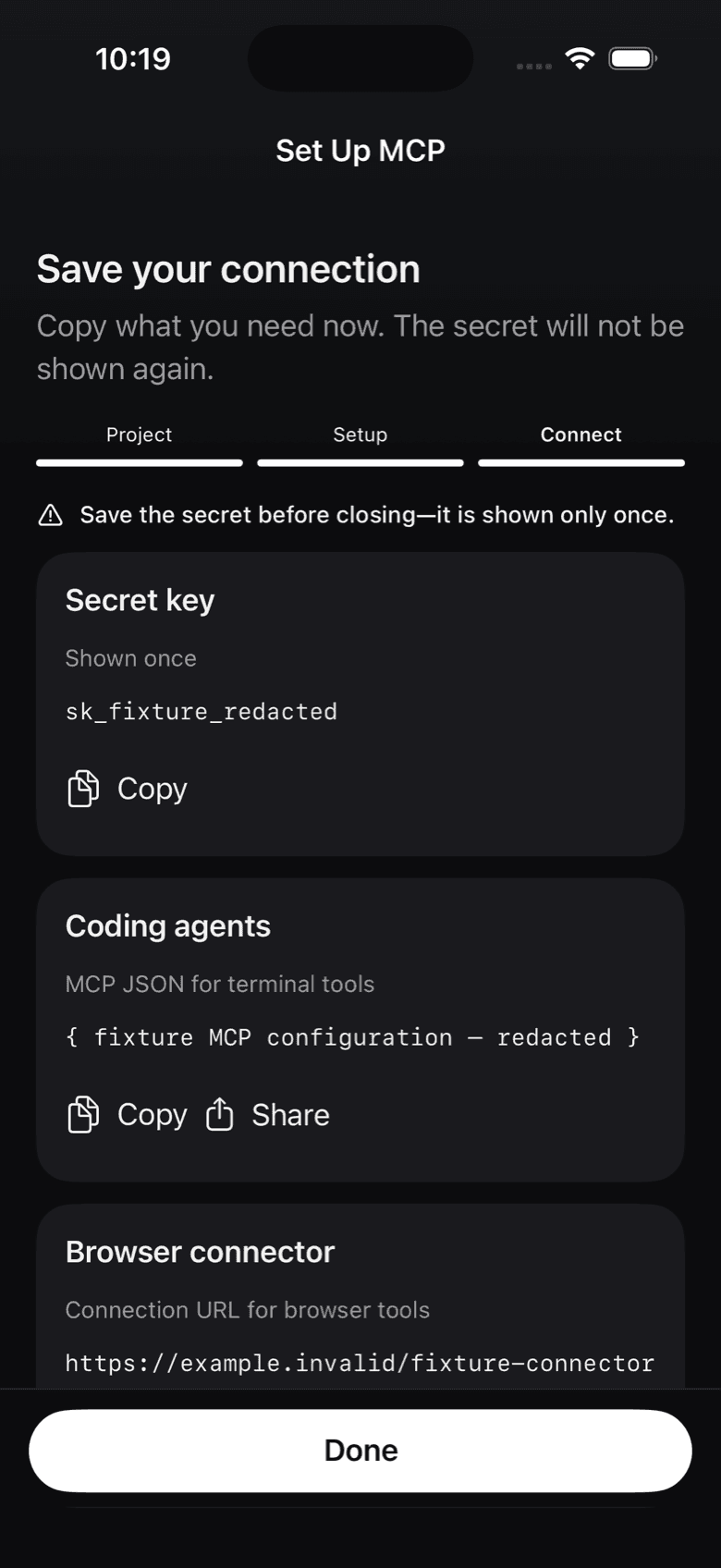
The endpoint and your key
Notifex runs as a remote MCP server over HTTP at https://mcp.notifexapp.com/mcp. Each project has its own secret key, and an agent using a key can only reach that project. Create the key when you create a project in the app, or in the portal. It is shown once, so copy it then.
Coding agents: a JSON entry
Coding agents that run in a terminal take a JSON entry with your key in an authorization header:
{
  "mcpServers": {
    "notifex": {
      "type": "http",
      "url": "https://mcp.notifexapp.com/mcp",
      "headers": {
        "Authorization": "Bearer <YOUR_API_KEY>"
      }
    }
  }
}
Replace <YOUR_API_KEY> with your project's secret key. The steps for Claude Code are on the Claude Code page.
Browser tools: a connector URL
Browser-based clients such as Claude.ai only take a URL, so Notifex also gives you a connector URL with the key inside it. Because the key is in the URL, treat the whole URL as a secret. See the Claude.ai connector page.
The six tools your agent gets
- send_message: a one-way update, such as "Deploy finished", with a short push title and optional longer text.
- ask_question: one question, single-select or multi-select with up to 20 options, or free text. The question can be up to 2,000 characters, with up to 4,000 characters of context, and a follow-up can go into the same thread.
- ask_questions: a batch of 1 to 10 questions in one push.
- wait_for_answer: re-attach to an open question and wait for the answer.
- check_answer: look up a question asked with wait=false, without waiting.
- create_upload: attach images, video and documents, up to 10 files of 10 MB each.
Waiting for an answer
By default, ask_question and ask_questions block until a person answers, and the agent resumes with the reply. Some clients cannot sit in a long tool call. For those, the agent passes wait=false: the call returns at once with an id, and the agent follows up with check_answer or wait_for_answer. A dropped connection loses nothing, because the question stays open in your inbox.
Questions about connecting an agent
Any MCP-capable client that can reach a remote MCP server over HTTP. Claude Code and the Claude.ai connector are verified. Other clients may work if they support remote MCP over HTTP.
No. Your agent connects to the hosted endpoint at mcp.notifexapp.com.
Each key belongs to one project. You can create several keys in a project, for example one per agent, and revoke each on its own.
Have the agent ask with wait=false. The call returns at once with an id, and the agent follows up with check_answer or wait_for_answer. The question stays open in the meantime.
Get Notifex on your iPhone
Free on the App Store. Then add one MCP entry and let your agent ask.