
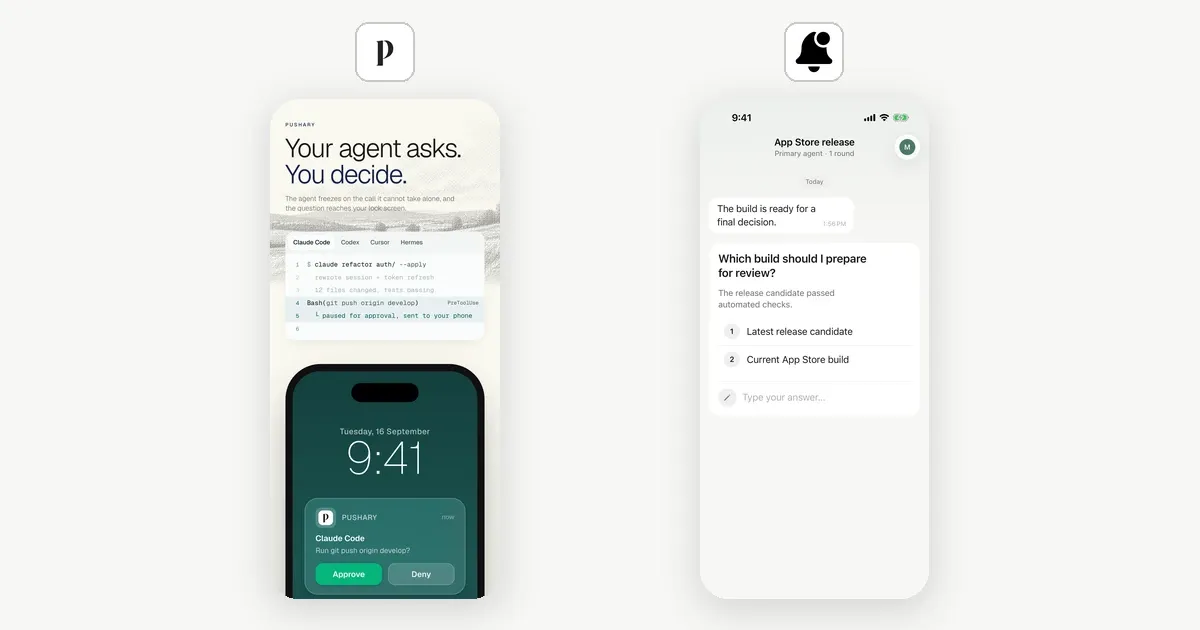
Notifex makes this page; we've tried to be fair.
Pick Pushary if you want every risky tool call gated by rules, with an audit trail, a Mac notch app and Slack. Pick Notifex if you want your agent to ask you structured questions on your phone, for free, with one MCP entry and no hooks.
We make Notifex. Every fact about Pushary below comes from its own site, docs or App Store listing, checked on 2026-11-19, and there is a section on where Pushary is the better choice. Pushary changes often, so check the linked pages before you decide.
What is the main difference between Notifex and Pushary?
They start from different ends. Pushary's Claude Code guide describes a setup command that installs Claude Code hooks and the Pushary MCP server. The hooks see each tool call, and your rules decide whether it runs, is denied, or waits for your answer. Approval happens whether or not the agent thinks to ask.
Notifex works from inside the agent's plan. The agent calls ask_question over MCP at the points you name in its instructions. It blocks until someone answers, then carries on with the reply. Notifex does not intercept tool calls. It is a way for the agent to ask, with answers shaped as choices or text.
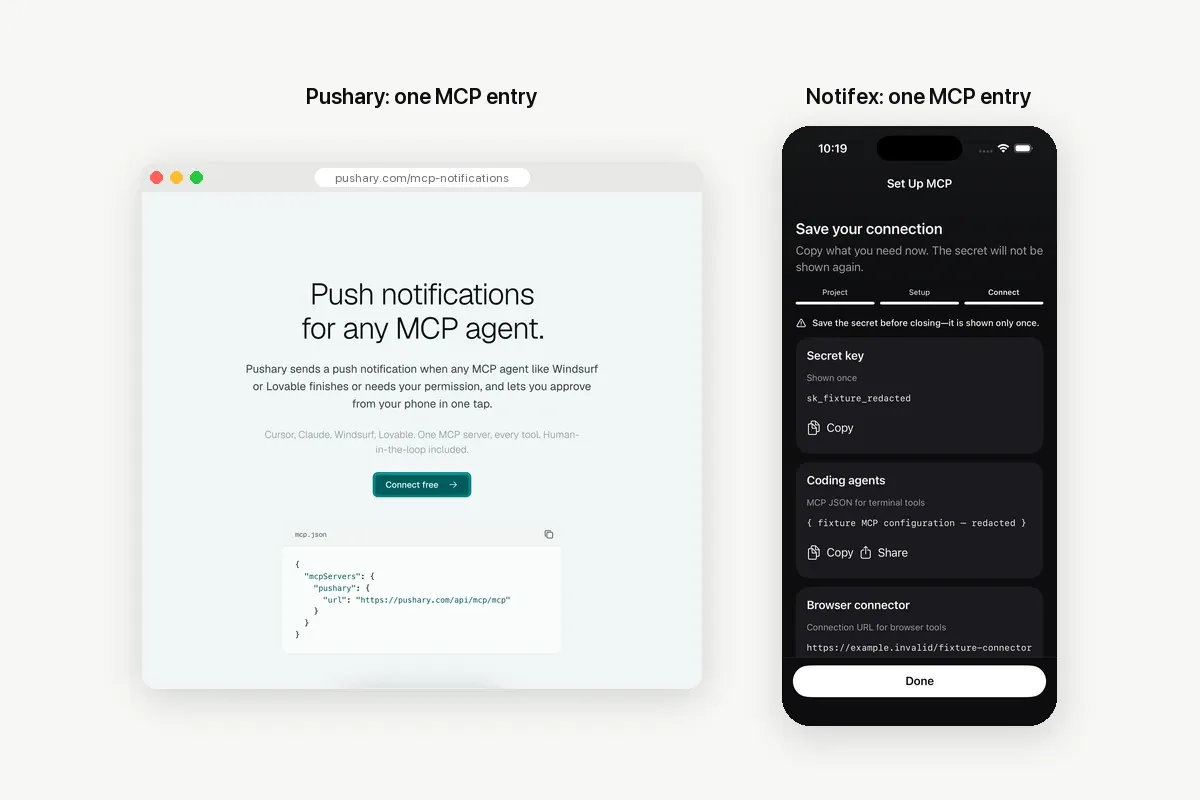
Notifex vs Pushary at a glance
The rows below are the differences that change a decision. Pushary values come from its home page, MCP page, pricing page and App Store listing, checked 2026-11-19.
| Notifex | Pushary | |
|---|---|---|
| Price | Free on the App Store and Google Play | From $9.99 a month after a 3-day trial; no free plan listed |
| How the agent connects | One remote MCP entry | Setup command installs hooks plus an MCP server; any MCP client also works |
| What triggers a question | The agent calls ask_question at the points you name | Hooks gate tool calls by your rules; the agent can also ask_user |
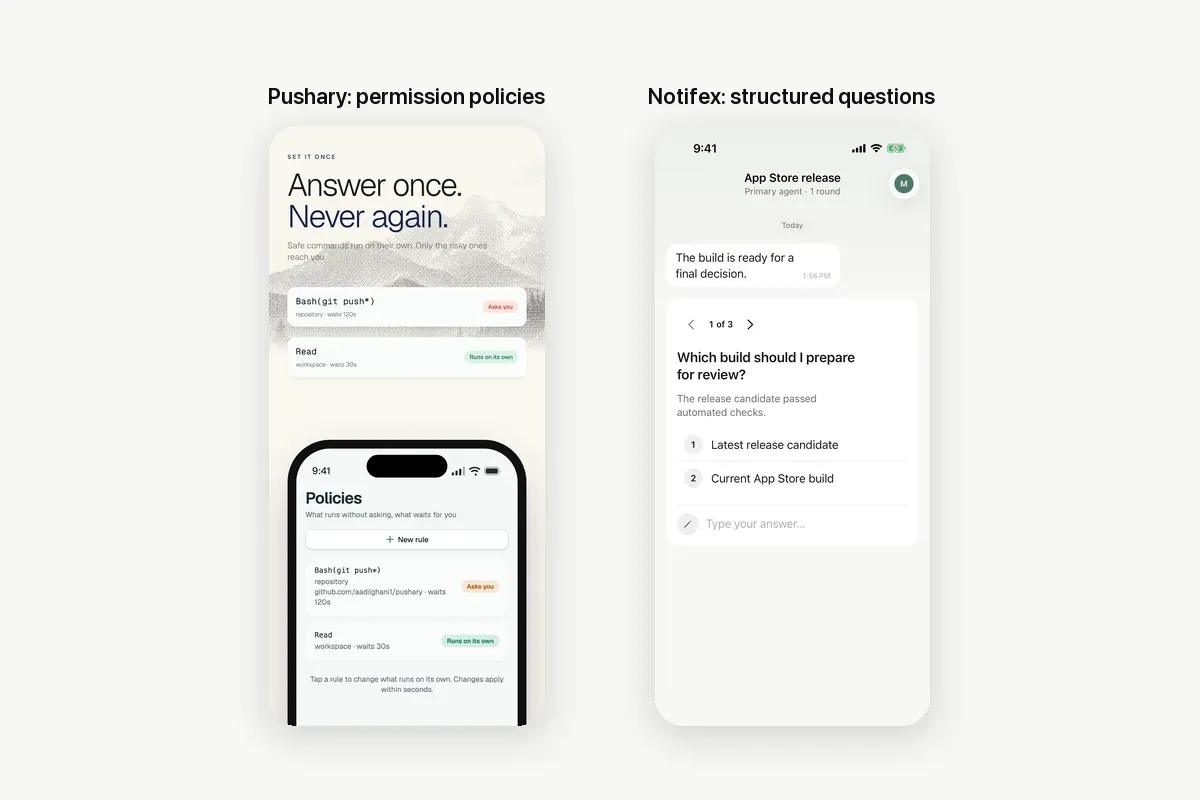
| Answer types | Single choice and multiple choice with up to 20 options, free text, up to 10 questions per push | Confirm, select with 2 to 6 options, free text |
| Where you answer | iPhone and Android apps | iPhone and Android apps, Mac notch app, Slack, web app, browser push, phone call |
| Team | Team projects, first answer wins | Team plan, 5 people included, shared audit trail with export |
| Rules and audit | Threads keep each question and answer | Permission policies, kill switch, decision ledger, budgets on Agent Pro |
How much do Notifex and Pushary cost?
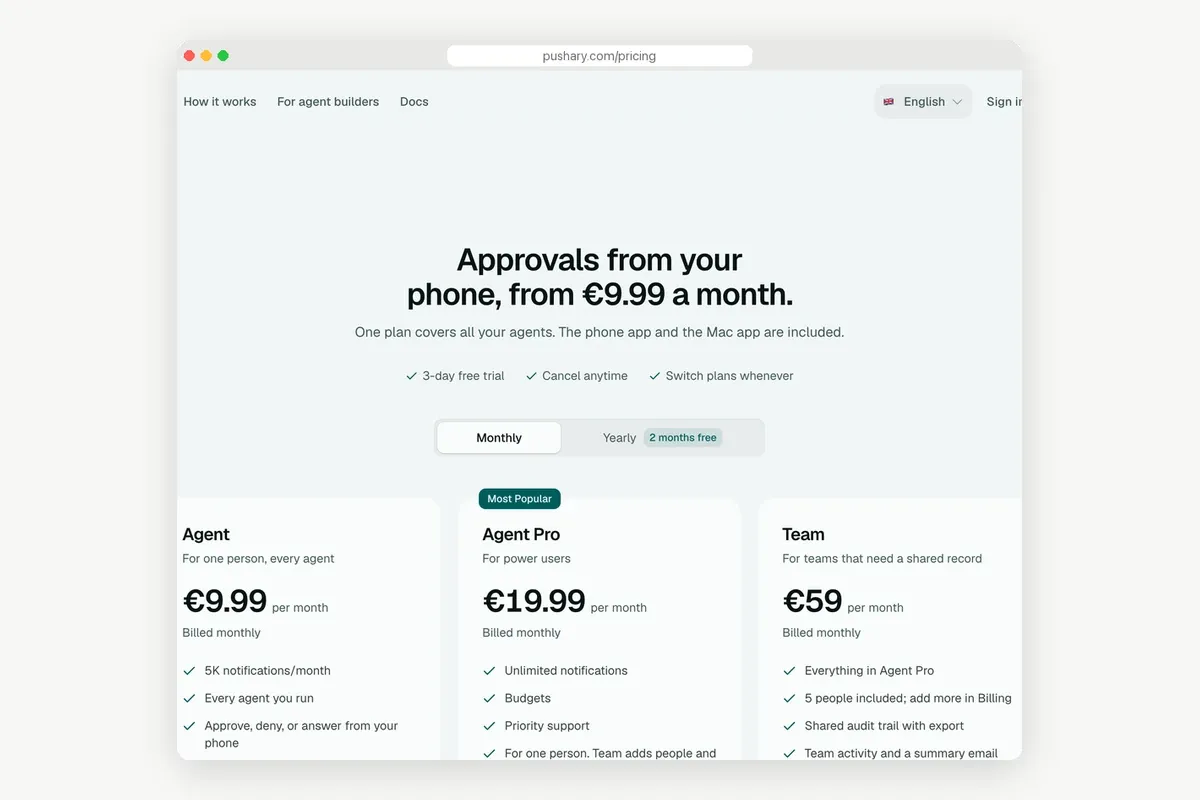
Notifex is free on both stores, with no plans or in-app purchases. Pushary sells monthly plans, listed on its pricing page. From the US the page lists dollars. From Europe it shows the same numbers in euros. Totals below use the monthly price; Pushary's yearly billing advertises "2 months free".
| Who answers | Notifex | Pushary | Pushary plan |
|---|---|---|---|
| 1 person, up to 5,000 notifications a month | Free | $119.88 | Agent, $9.99 a month |
| 1 person, more than 5,000 notifications a month | Free | $239.88 | Agent Pro, $19.99 a month |
| Team of 5 | Free | $708.00 | Team, $59 a month |
| Team of more than 5 | Free | $708.00 plus extra people | Team; extra people are added in Billing |
Pushary's plans include things Notifex does not have, such as call minutes, the Mac app and audit export. Pushary also sells Partner plans from $99 a month for products whose own users approve actions. Notifex has no equivalent for that case.
How do you switch from Pushary to Notifex in 6 steps?
There is nothing to export. Pushary's history stays in Pushary, and Notifex starts with an empty inbox. What you re-create by hand is the list of steps that should ask you.
- Install Notifex on your iPhone or Android device, sign in and allow notifications.
- Create a project and copy the secret key. It is shown once.
- Add the Notifex MCP entry to your agent. For Claude Code it is one
claude mcp addline, shown on the Claude Code page; other clients are on the agent setup page. - Turn your Pushary rules that say "ask" into named checkpoints in the agent's instructions, such as CLAUDE.md or Cursor rules.
- Run one task that reaches a checkpoint, and answer the push to test the loop.
- Remove Pushary from the computer with
npx pushary@latest clean, the command in Pushary's guide, and cancel the plan in its billing settings.
A checkpoint list can be this short:
Ask me with Notifex ask_question and wait before:- a deploy, a database migration, a force push, or deleting files or branchesOffer options such as "Ship" and "Hold".
Rules that said "deny" belong in your agent's own permission settings, which Notifex does not replace.
Where is Pushary the better choice?
- You want enforcement, not requests. Hooks gate tool calls in Claude Code, Codex, Gemini CLI, Cursor and Hermes, so a risky command waits even if the agent never thinks to ask.
- You want rules you can change without a prompt. Allow, deny or ask per tool, a kill switch, and budgets on Agent Pro.
- You need an audit trail. Every decision is saved, and the Team plan exports it.
- You answer at the desk too. The Mac notch app, Slack, the web app and browser push cover places Notifex does not, and a phone call can follow a missed push.
- You ship an agent to your own users. Partner plans and the server SDK let your customers approve your agent's actions.
Where is Notifex the better choice?
- You want it free. No trial clock, plan or notification cap.
- You want a light setup. One MCP entry, no hooks and no local package. It works in browser chats too, with a URL-token link and
wait=false. - Your agent asks real questions. Up to 20 options, multiple choice, free text, up to 10 questions in one push, and screenshots or PDFs attached.
- A small team answers. Everyone in the project gets the push, the first answer wins, and it costs nothing.
You can also run both. Pushary can gate tool calls while Notifex carries the questions your agent asks on purpose. For more options, see HumanLayer alternatives and ways to keep a human in the loop.
Quick answers
Pushary's pricing page lists paid plans from $9.99 a month, each with a 3-day free trial, and no free plan (checked 2026-11-19). Notifex is free on the App Store and Google Play.
No. Notifex does not intercept tool calls. The agent asks with ask_question at the points named in its instructions. Use your agent's permission settings to deny commands.
Yes. Pushary lists a hosted MCP server with 5 tools, including ask_user. Notifex is a remote MCP server with ask_question, ask_questions and five more tools.
No. There is no import. Notifex starts with an empty inbox, and you re-create your ask rules as checkpoints in the agent's instructions.
Give your agent someone to ask
Free on the App Store and Google Play. Then add one MCP entry and let your agent ask.