
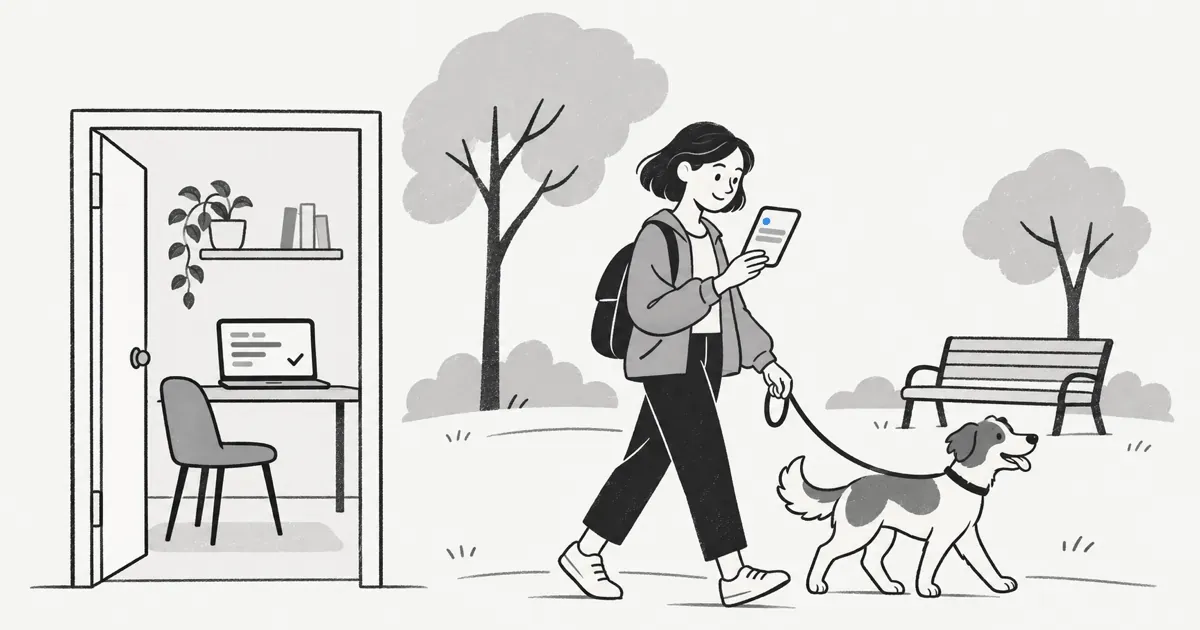
To get a Claude Code notification when done, add a hook to ~/.claude/settings.json. Claude Code runs your command when it waits for input or finishes a reply, and the command pings you. A hook only tells you something happened. If you also want to answer from your phone, give Claude an MCP tool that asks you and waits.
This guide covers both. First the built-in hooks, set up the way the Claude Code hooks guide describes. Then how to send the ping to your phone. Then the step a ping cannot do: getting your answer back into the session.
How do you get a Claude Code notification when it is done?
Use a hook. Hooks are shell commands that Claude Code runs at fixed points in a session. They run every time, so you do not depend on the model remembering to tell you.
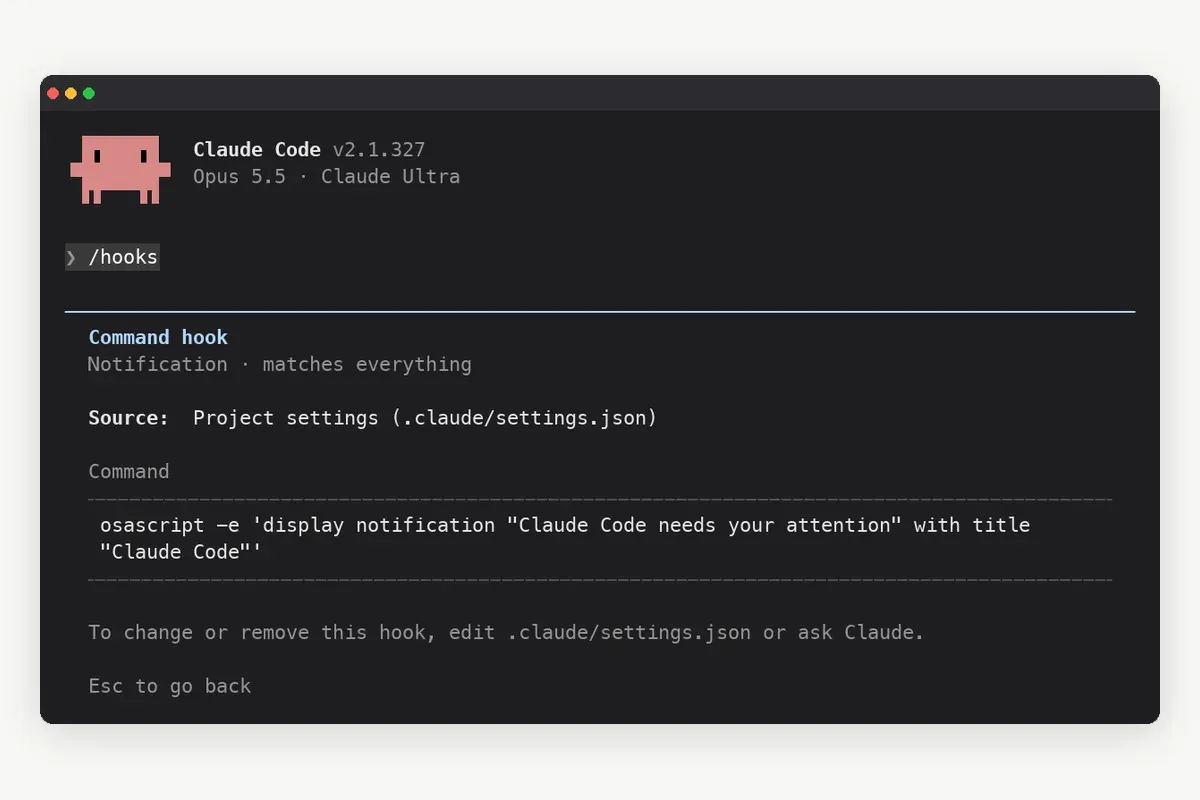
Two hook events matter for a done notification. The Notification event fires when Claude is waiting for your input or your permission. The Stop event fires when Claude finishes responding. The hooks reference lists every event and its input.
To add a desktop notification on macOS:
- Open
~/.claude/settings.json. Create the file if it does not exist. - Add a
hooksblock with aNotificationentry and an empty matcher, as shown below. - Set the command to
osascript -e 'display notification "Claude Code needs your attention" with title "Claude Code"'. - Save the file, then run
/hooksin Claude Code to check that the hook is listed. - Ask Claude for something that needs a permission prompt, switch to another window, and wait for the banner.
{ "hooks": { "Notification": [ { "matcher": "", "hooks": [ { "type": "command", "command": "osascript -e 'display notification \"Claude Code needs your attention\" with title \"Claude Code\"'" } ] } ] } }
On Linux the guide uses notify-send. On Windows it uses a PowerShell message box. If nothing appears on macOS, the guide notes that Script Editor needs notification permission in System Settings.
Should you use the Notification hook or the Stop hook?
Use Notification when you want to hear about waiting. Use Stop when you want to hear about every finished reply. An empty matcher on Notification fires on all notification types. A matcher narrows it to one type.
| Hook and matcher | Fires when | Good for |
|---|---|---|
| Notification, matcher permission_prompt | Claude needs you to approve a tool use, and the prompt has waited about six seconds | Runs that stall on a permission you did not pre-approve |
| Notification, matcher idle_prompt | Claude finished responding about 60 seconds ago and you have not typed since | A quiet "it is done, come back" ping |
| Notification, empty matcher | Any notification type, including the two above | One hook that covers every wait |
| Stop | Claude finishes responding | Short sessions where every reply matters; it can be noisy on long ones |
Most people start with idle_prompt. It waits a minute, so it does not buzz while you are still reading the reply.
How do you get the notification on your phone?
A desktop banner helps only while you sit near the screen. To reach your phone, point the hook at a push service instead of a local command.
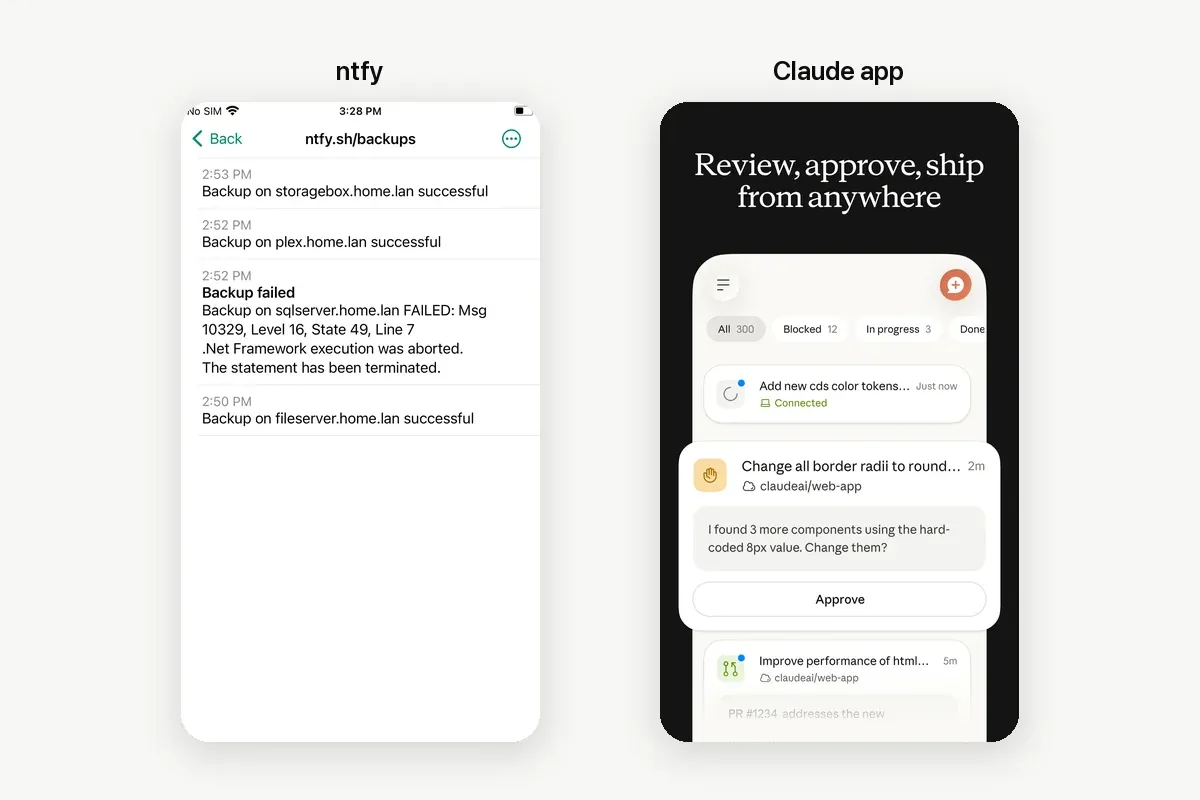
A push service such as ntfy
ntfy takes a plain HTTP POST. The ntfy publishing docs show the shape: curl -d "Claude Code is waiting" ntfy.sh/your-topic. Put that line in the hook command and subscribe to the topic in the ntfy app. On the public server a topic name works like a password, so pick one that is hard to guess.
Remote Control push
If you sign in to Claude Code with a claude.ai plan, Remote Control can push to the Claude app on iOS or Android. Run /config and turn on Push when actions required for permission prompts and questions, or Push when Claude decides. Anthropic's docs say there is no per-event setting beyond those two toggles.
We compare these routes in more depth in Claude Code on your phone. Other agents have their own alerts: Cursor notifications when the agent is done and how Codex notifications work.
What can a done notification not do?
A hook sends a message out. Nothing comes back. If Claude stopped to ask which branch to deploy, the ping tells you a question exists. You still answer it in the terminal, or in a client that mirrors the session.

That matters for the runs you leave alone. A permission prompt waits until you return. A plain question in the chat also waits, because the session has nobody to read it. The notification shortens the wait only if you can get back to the keyboard.
How can Claude ask you on your phone and wait for the answer?
Give Claude a tool that asks a person. Notifex is a remote MCP server built for that. Claude calls ask_question, your phone gets a push, and the call blocks until someone answers. Your answer goes straight back to Claude as the tool result, and the run continues.
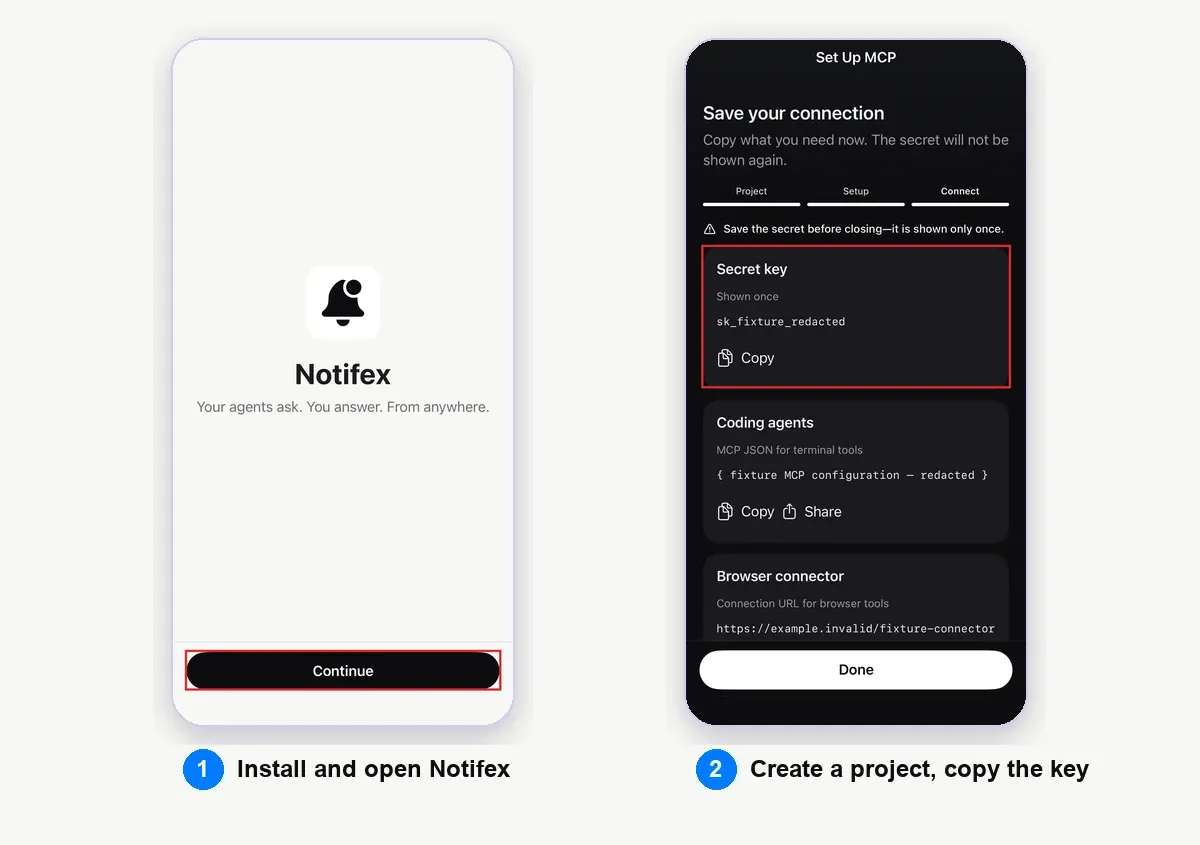
- Install Notifex on your iPhone or your Android phone. It is free on both stores.
- Create a project in the app or the portal and copy its secret key. It is shown once.
- Add the server to Claude Code with the command below, using your key.
- Run
/mcpin Claude Code and check that notifex is connected. - Tell Claude when to ask, in plain words, in the prompt or in
CLAUDE.md.
claude mcp add --transport http notifex https://mcp.notifexapp.com/mcp \ --header "Authorization: Bearer <YOUR_API_KEY>"
This is the standard remote server pattern from the Claude Code MCP docs. The Notifex setup page for Claude Code has the same entry as JSON for .mcp.json.
A prompt line that works: "Before you deploy, ask me with Notifex which build to ship. Wait for my answer." Claude can offer options (single-select or multi-select) or ask for free text. It can also send up to 10 questions in one push and attach a screenshot or a log file.
Can you use hooks and Notifex together?
Yes, and they do different jobs. A hook is deterministic: it fires on every matching event, whether or not Claude thinks to tell you. An MCP question is a decision point: Claude chooses to ask, and it waits for you.
- Keep the hook for "done". An
idle_prompthook tells you a run is over, even when nothing needs a decision. - Use ask_question for "which one?". Deploys, migrations, deletes and branch choices go to your phone and wait for you.
- Use send_message for updates you do not need to answer. Claude can post a short summary to the same thread when it finishes.
The send_message route depends on Claude following your instruction, so it is less strict than a hook. Many people keep both: the hook as a safety net, the thread as the record.
Which option fits how you work?
Pick by where you will be when Claude stops.
- At your desk: a Notification hook with a desktop command is enough.
- Away, and you only need to know it finished: a hook that posts to a push service such as ntfy.
- Away, on a claude.ai plan, and you want to drive the whole session: Remote Control with push turned on.
- Away, and Claude needs a decision it should not guess: an MCP question through Notifex. This also works from Cursor, Codex and other MCP clients, as listed on the page for connecting other agents.
For a broader comparison of ways to keep a person in charge, see push questions vs terminal prompts.
Quick answers
Claude Code fires a Notification hook event when it waits for input or permission, and a Stop event when it finishes responding. You attach your own command to either event in settings.json.
It is a Notification matcher that fires when Claude finished responding about 60 seconds ago and you have not typed since. It suits a quiet "come back" ping.
Yes. Make the hook command post to a push service, for example a curl request to an ntfy topic. The message still goes one way only.
You have two routes. Drive the whole session with Remote Control in the Claude app. Or add an MCP server such as Notifex, so Claude asks a question on your phone and waits for your answer.
Give your agent someone to ask
Free on the App Store and Google Play. Then add one MCP entry and let your agent ask.