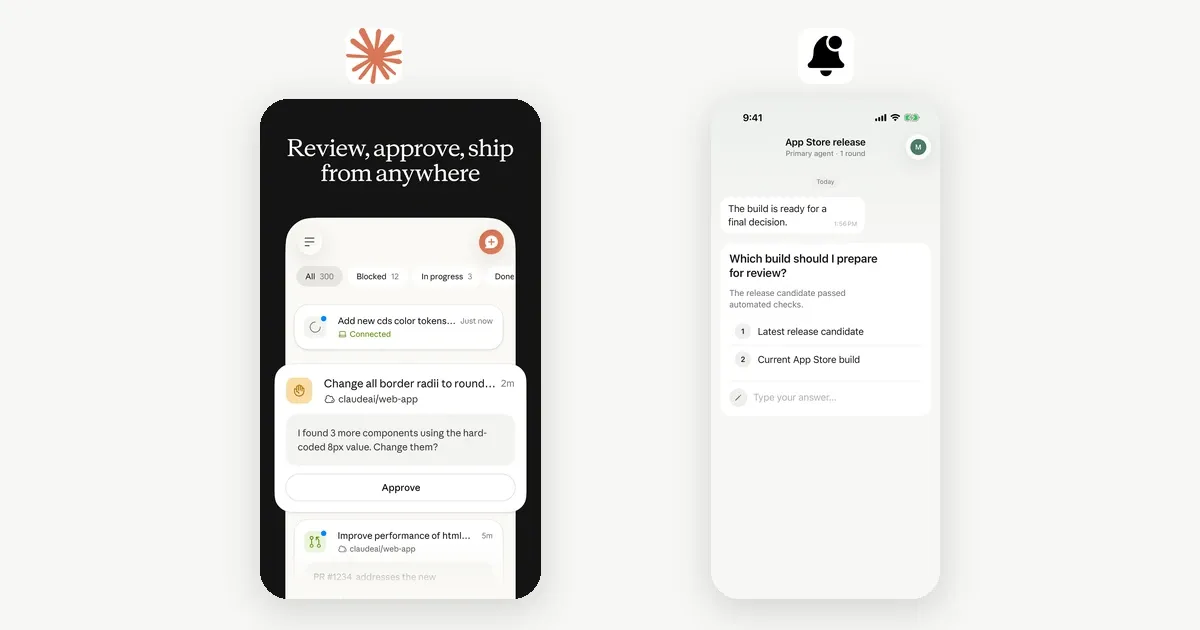
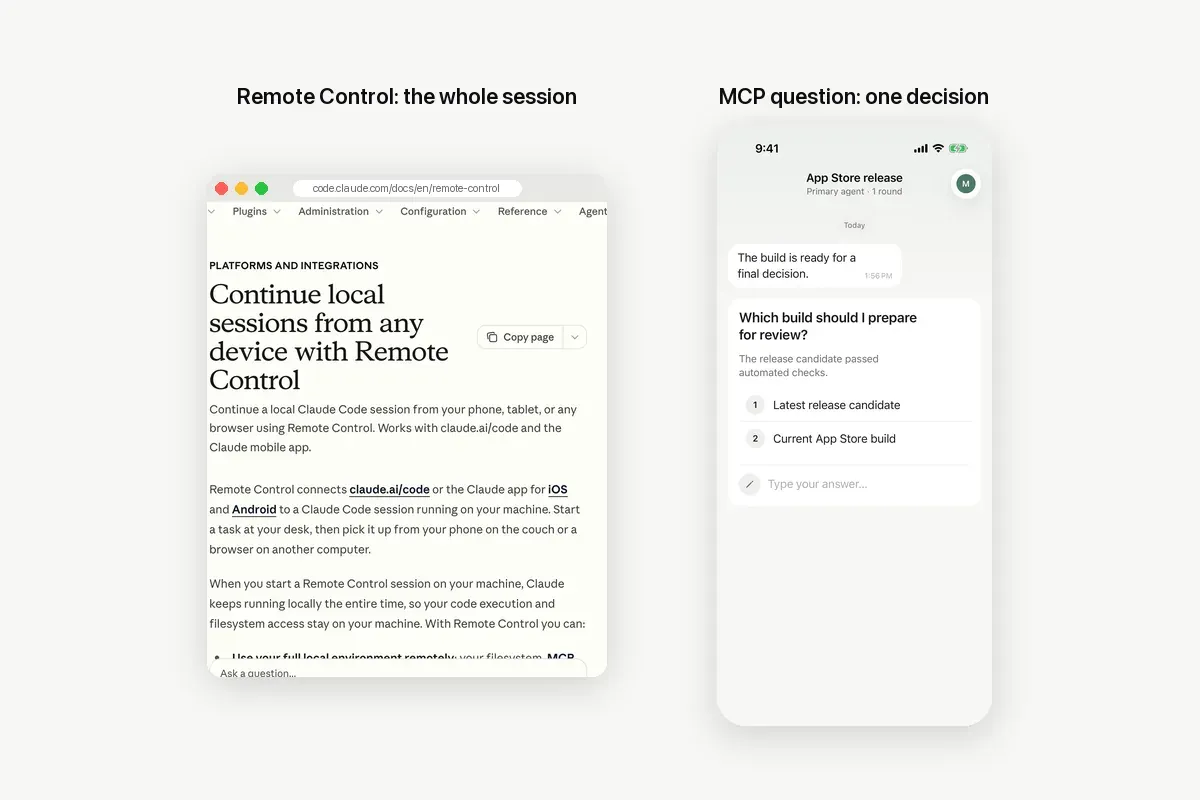
Claude Code Remote Control and an MCP question both let you answer Claude from your phone. Remote Control puts the whole session in the Claude app, so you can read and steer everything. An MCP question sends one decision to your phone and waits for your answer. Pick Remote Control to drive a session. Pick an MCP question to be asked only when it matters.
Everything said here about Remote Control comes from Anthropic's Remote Control documentation, checked on 2026-11-18. We make Notifex, the MCP question side of this comparison, so we also say where Remote Control is the better choice.
What is Claude Code Remote Control?
Remote Control connects claude.ai/code, or the Claude app for iOS and Android, to a Claude Code session running on your computer. Claude keeps running locally, so your filesystem, tools, MCP servers and project settings stay available. The conversation stays in sync on every connected device, so you can type from the terminal, a browser or your phone.
You start it with claude remote-control in a project, or /remote-control inside a session. The terminal shows a URL and a QR code for your phone. With push turned on in /config, the Claude app can notify you when a long run finishes or when Claude needs a decision.
What is an MCP question?
An MCP question is a tool call that asks a person and waits. Notifex is a remote MCP server that gives Claude seven tools. The main one is ask_question. Claude calls it with the question and, if it fits, a list of options. Your iPhone or Android device gets a push. You answer, and the answer comes back to Claude as the tool result. Claude Code's built-in AskUserQuestion prompt is separate; AskUserQuestion on your phone covers it.
Claude does not hand you the session. It hands you a choice. Everything else keeps running on the machine where Claude runs.
How do Remote Control and MCP questions compare?
The table puts the two side by side. Remote Control facts are from Anthropic's docs; Notifex facts are from its own MCP server.
| Remote Control | MCP question (Notifex) | |
|---|---|---|
| What you get on the phone | The whole session: the conversation and subagent progress, in sync with the terminal | One question at a time, in a thread |
| Who starts the exchange | You, whenever you open the session | Claude, at a decision point |
| Answer format | Chat replies, plus the session's own permission prompts and questions | Single-select, multi-select or free text; up to 10 questions per push |
| Files | You can send photos and files from the phone to Claude | Claude can send images, video and documents to you, up to 10 files of 10 MB each |
| Sign-in | claude.ai login on Pro, Max, Ultra, Team or Enterprise; API keys not supported | Any Claude Code sign-in; the MCP entry has its own project key |
| Other agents | Claude Code only | Any MCP client, such as Cursor, Codex, the Claude.ai connector and ChatGPT |
| People | Your account's session; Owners enable it on Team and Enterprise | Team projects: everyone gets the push, the first answer wins |
| Phone app | The Claude app for iOS and Android | The Notifex app for iPhone and Android |
Where is Remote Control the better choice?
Remote Control wins whenever you want the session itself, not only its questions.
- You want to steer, not only approve. You can read the full transcript, redirect Claude mid-run and give new instructions from the couch.
- You already pay for a claude.ai plan. Remote Control is part of Claude Code on eligible plans. There is no extra server to add.
- You need to send something from the phone. A photo of a whiteboard or a file from your phone goes straight into the session.
- You run several sessions. Server mode can serve many sessions from one process, with a default of 32 at once.
- Interruptions are common. If the laptop sleeps or the network drops, Claude Code reconnects when the machine is back online.
If you only use Claude Code, sign in with a claude.ai plan, and like to watch the work, start with Remote Control.
Where is an MCP question the better choice?
An MCP question wins when you do not want to watch at all, and only want to be asked.
- Unattended runs. Claude keeps working and your phone buzzes only at the decision points you named.
- Clean answers. A tapped option returns as that option. Claude does not have to read meaning into a chat reply.
- API keys and cloud providers. An MCP server works however you sign in, including setups where Remote Control is not available.
- More than one agent. The same project can take questions from Claude Code, Cursor, Codex and other MCP clients.
- Teams. Whoever is free answers first, and the thread keeps the record of who decided what.
- Showing, not describing. Claude can attach a screenshot or a PDF to the question, so you see what it means before you answer.
Can you use both at the same time?
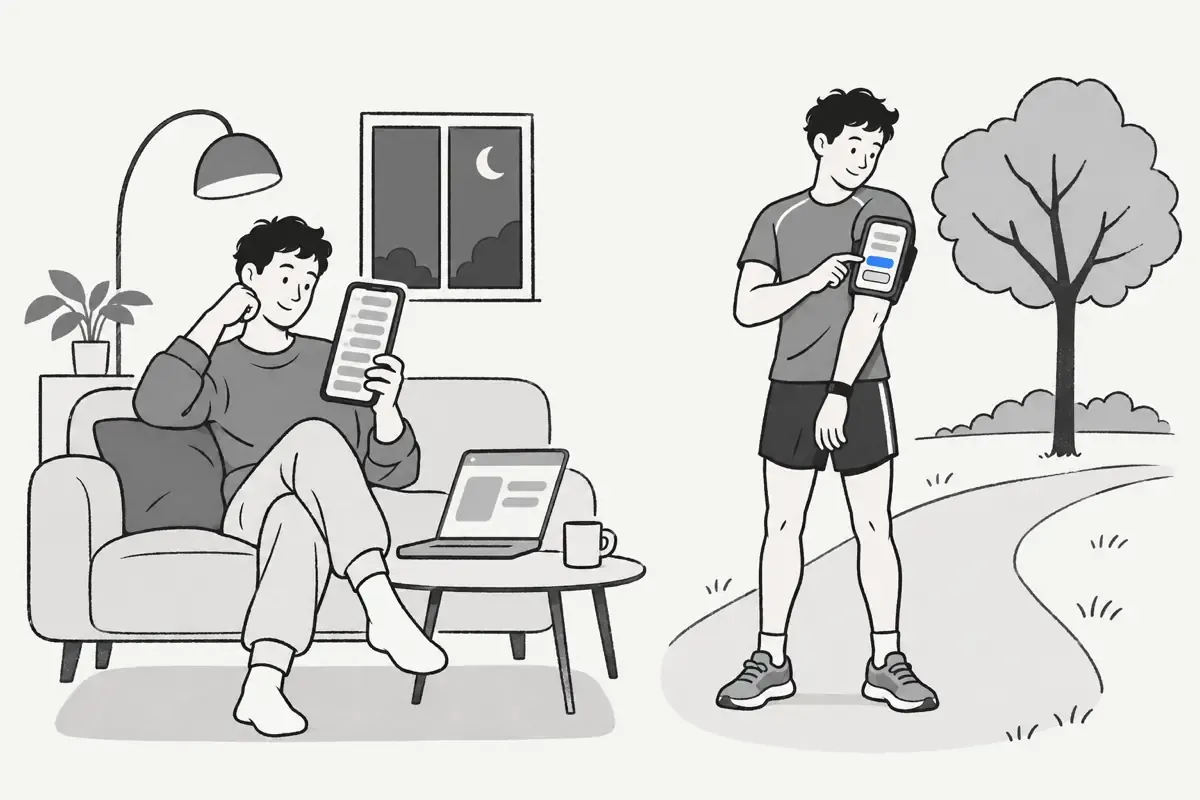
Yes. Anthropic's docs say MCP servers stay available in a Remote Control session. So a Notifex question still works while Remote Control is on. Use Remote Control when you want to look in, and let the MCP question reach you when you are not looking.
The two also fail in different ways. Remote Control needs the local claude process and the connection to stay up. A Notifex question stays open on the server until someone answers. If Claude's connection drops first, it can re-attach with wait_for_answer or check later with check_answer.
How do you set up Remote Control?
- Sign in to Claude Code with your claude.ai account. Run
/loginif needed. - On Team or Enterprise, ask an Owner to turn on Remote Control in the Claude Code admin settings.
- In your project, run
claude remote-controland accept the one-time confirmation. - Press the spacebar to show the QR code, and scan it with your phone.
- Run
/configand turn on the push options you want.
How do you set up an MCP question with Notifex?
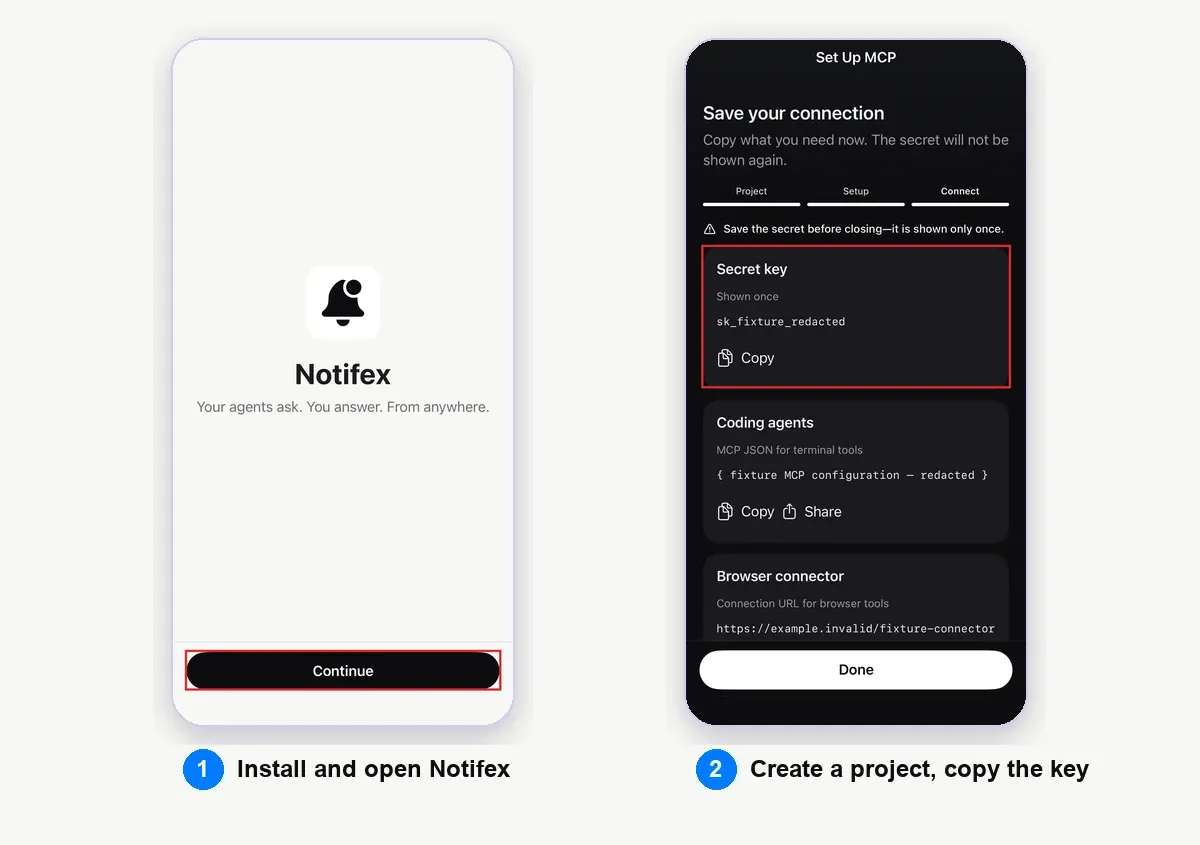
- Install Notifex on your phone. It is free on the App Store and Google Play.
- Create a project and copy its secret key. The key is shown once.
- Add the server to Claude Code with the command below.
- Run
/mcpto check that notifex is connected. - Tell Claude when to ask, for example in
CLAUDE.md: "Ask me with Notifex before any deploy." The deploy approval walkthrough shows the full flow.
claude mcp add --transport http notifex https://mcp.notifexapp.com/mcp \ --header "Authorization: Bearer <YOUR_API_KEY>"
This follows the remote HTTP server format in the Claude Code MCP docs. The Claude Code setup page walks through it step by step. Other clients are covered on the agent setup guide.
Which one should you start with?
Ask yourself one question: do you want to be in the session, or do you want the session to come to you? If you want to be in it, use Remote Control. If you want it to come to you only for decisions, use an MCP question. For the other phone options, including cloud sessions from the Claude app, see Claude Code on your phone.
Quick answers
Remote Control is part of Claude Code on Pro, Max, Ultra, Team and Enterprise plans, according to Anthropic's docs. It does not work with API keys.
No. Remote Control is a Claude Code feature. An MCP question works in any MCP client, so Cursor and Codex can ask you through the same Notifex project.
Yes. Anthropic's docs say your MCP servers, tools and project configuration stay available, so an MCP question still reaches your phone.
Yes. Notifex is a remote MCP server, so it works with any Claude Code sign-in and with other MCP clients.
Give your agent someone to ask
Free on the App Store and Google Play. Then add one MCP entry and let your agent ask.