
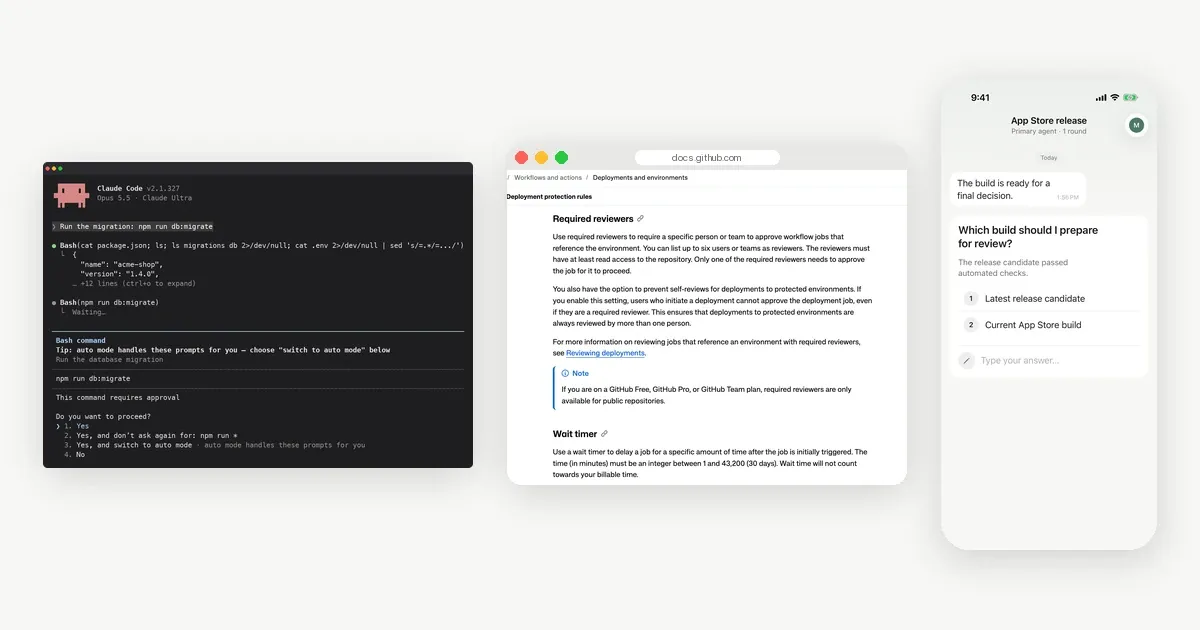
A human in the loop AI agent stops at set points, asks a person, and continues with the answer. The points worth stopping at share one trait: a wrong guess costs more than a short wait. Here are 8 examples, from deploys to vague requirements, with the question the agent should ask in each.
For the definition and its opposite, human on the loop, see the human in the loop glossary entry and human in the loop vs human on the loop. This post is about where to put the stops. We make Notifex, an app that lets agents ask these questions on your phone, and we show it near the end.
Which actions should an AI agent ask a human about?
Ask when an action is hard to undo, affects other people, or depends on something only you know. Let the agent run when the action is cheap to reverse and only touches its own work. The 8 examples below fall on the asking side.
1. Deploying to production
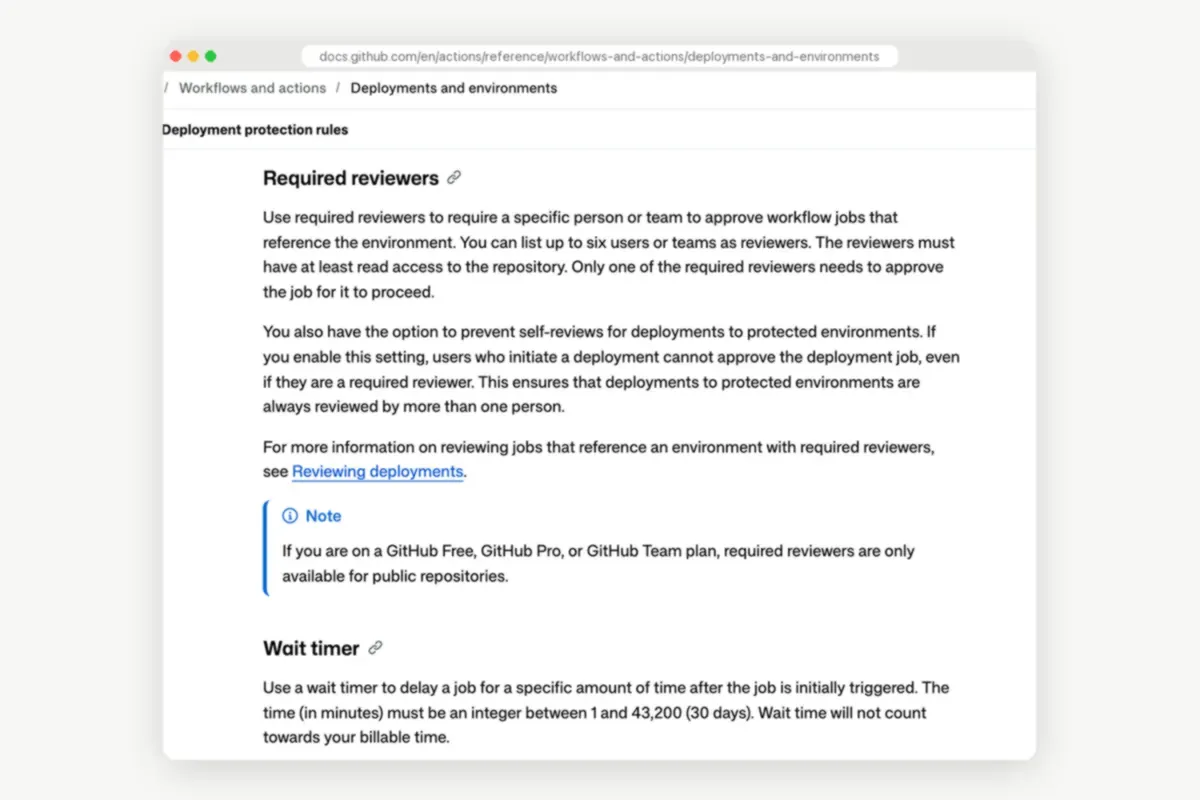
A deploy changes what real users see. Even a good build can ship at a bad time, during a launch or right before a weekend. Teams already gate this step for people. GitHub environments let you list up to six required reviewers. Only one of them needs to approve before the job runs.
The question: "Build 413 passed tests. Deploy to production now?" with Deploy and Hold.
2. Running a database migration
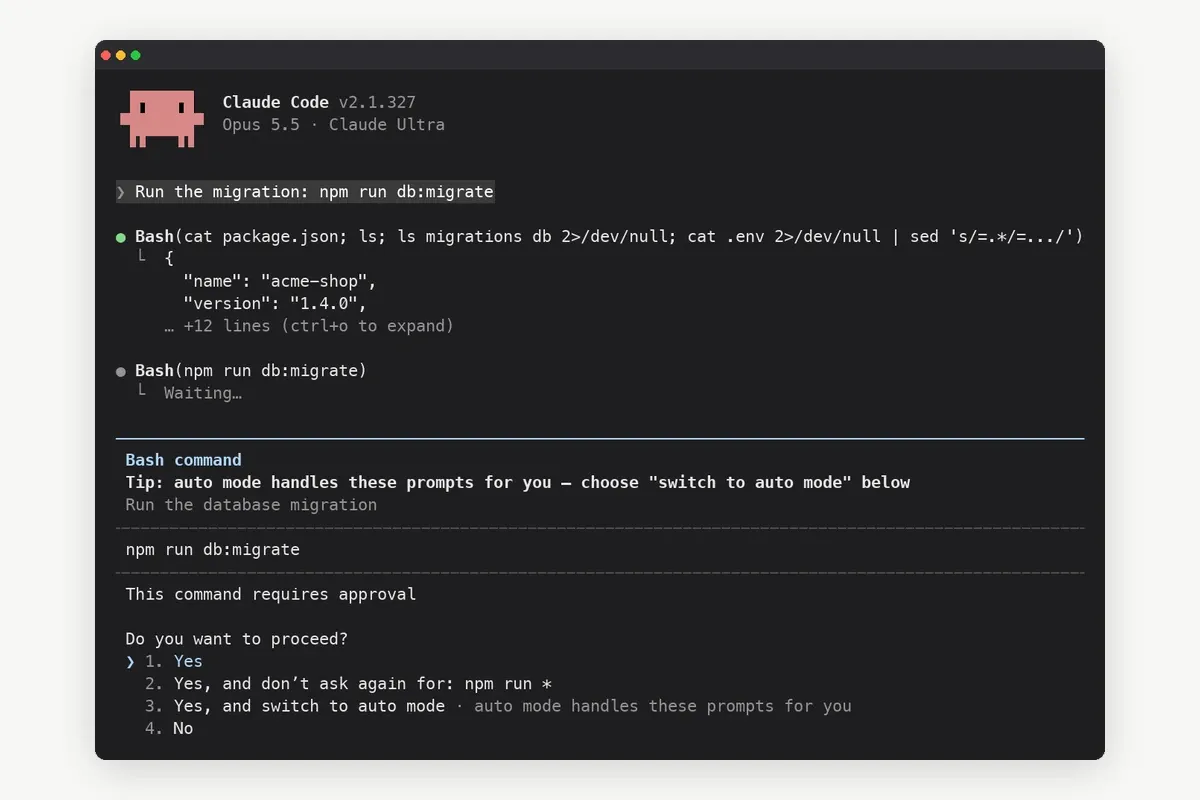
Migrations change data that other code depends on, and a rollback is not always clean. An agent can write the migration well and still pick the wrong moment to run it. Coding agents can ask here. In Claude Code's manual mode, described in the permission modes docs, Claude stops and asks before shell commands like this one.
The question: "The migration adds a column to orders and backfills 2 tables. Run it now?"
3. Deleting files, branches or records
Deleting is the classic one-way door. Cleanup tasks often sweep up more than they should, such as a branch someone still uses or a folder of fixtures. A list in the question makes the scope visible before anything is gone.
The question: "These 14 branches are merged and older than 90 days. Delete them?" with the list attached.
4. Spending money
Refunds, purchases, ad budgets and cloud resources all cost money the moment the call succeeds. Agent frameworks build this in. The OpenAI Agents SDK human-in-the-loop guide marks a tool with needs_approval, and the run pauses until a person approves or rejects the call.
The question: "Upgrade the database plan from 2 to 4 vCPUs? It changes the monthly bill."
5. Sending messages to customers or posting in public
An email to 3,000 customers or a public post cannot be unsent. Tone, timing and facts all matter, and a person reads them differently from a model. Ask before the send, and show the text in the question.
The question: "Send this release note to the beta list now?" with the draft as context.
6. Choosing between two approaches
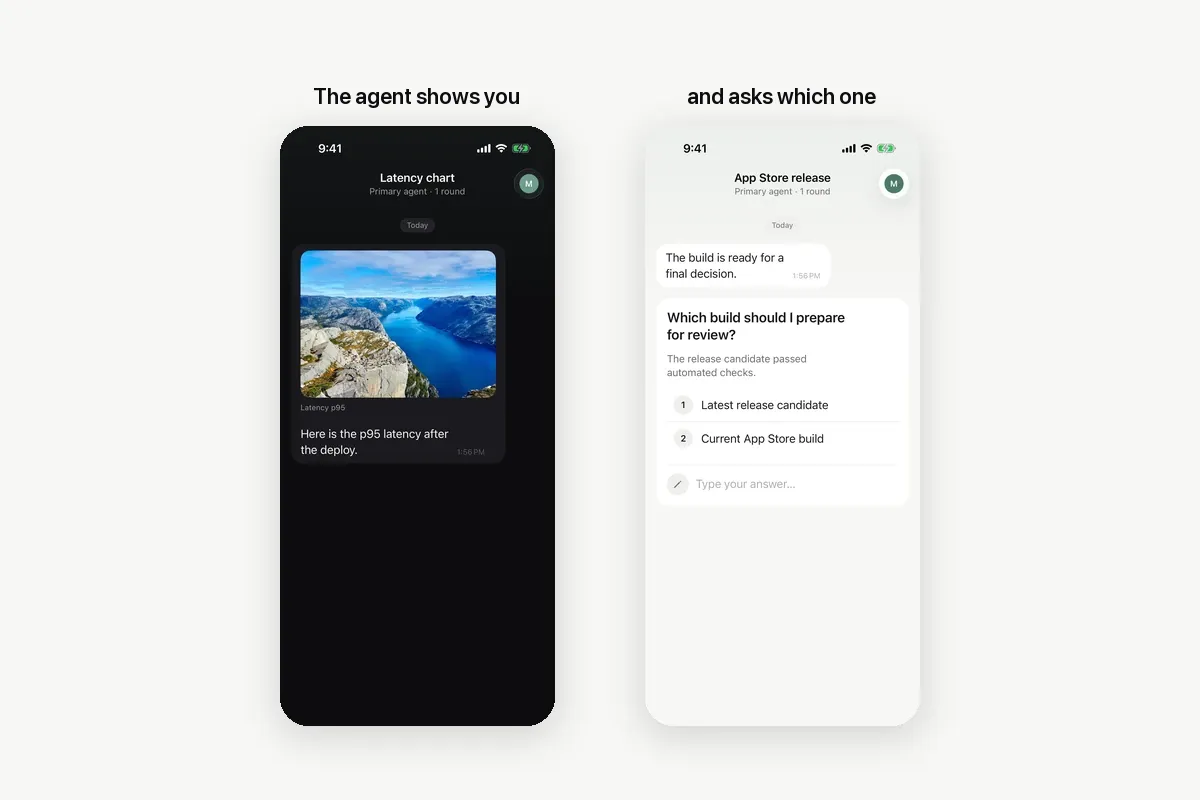
Some choices are taste or strategy, not correctness. Which design, which library, which of two fixes. The agent can lay out the options, but you own the direction. A screenshot often says more than a paragraph.
The question: "Which chart layout should the dashboard use?" with both versions attached.
7. Filling a gap in the requirements
When a task leaves something out, an agent tends to fill the gap with a plausible guess. A plausible guess is the hardest kind of mistake to spot in review. A free-text question costs you ten seconds.
The question: "The spec does not say what happens to unpaid invoices on cancel. What should happen?"
8. Touching secrets or access
Edits to .env files, API keys, CI settings or user permissions change who can do what. Mistakes here may not show up for weeks. Ask before the agent writes a secret or widens access.
The question: "Add the staging Stripe key to the CI secrets?"
How do you decide where your agent should stop?
Two questions sort almost any action:
- Can it be undone cheaply? Editing a file in a branch, yes. Dropping a table, no.
- Who does it affect? The agent's own work, let it run. Users, customers, money or shared systems, ask.
Write the answers down as a short list of named checkpoints. "Ask before anything risky" leaves the agent to judge. "Ask before deploys, migrations, deletes and sends" does not.
Rules for high-stakes systems point the same way. Article 14 of the EU AI Act requires that high-risk AI systems can be overseen by people. Those people must be able to stop or override the system. That rule covers high-risk systems, but the idea carries over to everyday agents.
How do you add these checkpoints to an agent?
There are three common ways, depending on where the agent runs.
- Coding agents. Permission prompts cover tool calls, and an instruction file names the checkpoints the agent should ask about.
- Agent frameworks. LangGraph interrupts pause a graph and resume it with the person's answer. The OpenAI Agents SDK uses approvals on tools.
- MCP tools. The MCP elicitation spec lets a server ask the user for input through the client. A question tool like Notifex sends the question to a phone instead.
The hard part is often reaching the person. A prompt in a terminal works only while someone watches the terminal. Notifex moves the question to the phone. The agent calls ask_question and waits. The Notifex iPhone app and the Android app show the push. You tap an answer, and it returns to the agent.
A checkpoint list for a coding agent can be this short:
Ask me with Notifex ask_question and wait before:- a deploy, a database migration, or deleting files, branches or data- spending money, sending email to customers, or changing secretsOffer options. If the requirement is unclear, ask a free-text question.
Questions can be single choice, multiple choice or free text, and ask_questions sends up to 10 in one push. The answer types are covered in structured questions, and the deploy case in deploy approvals. Setup for Claude Code is on the Claude Code page; other agents are on the agent setup page.
What should the agent do while it waits?
Wait, unless you said otherwise. A blocking question is the safe default, because the risky step does not happen until you answer. For long runs, give the agent a fallback in the same instruction: skip the step and report it, or stop. Never make "no answer" mean yes.
Quick answers
A coding agent that asks before it runs a database migration, and waits for a person to approve. Deploys, deletes, payments and customer emails are other common checkpoints.
When the action is hard to undo, affects other people or money, or depends on information only a person has. Cheap, reversible steps can run on their own.
Through a tool that sends the question and waits. With Notifex, the agent calls ask_question over MCP, your phone gets a push, and your answer returns to the agent.
No. In the loop, the agent waits for a person at set points. On the loop, the agent runs on its own while a person watches and can step in.
Give your agent someone to ask
Free on the App Store and Google Play. Then add one MCP entry and let your agent ask.